01
OverviewYour starting point
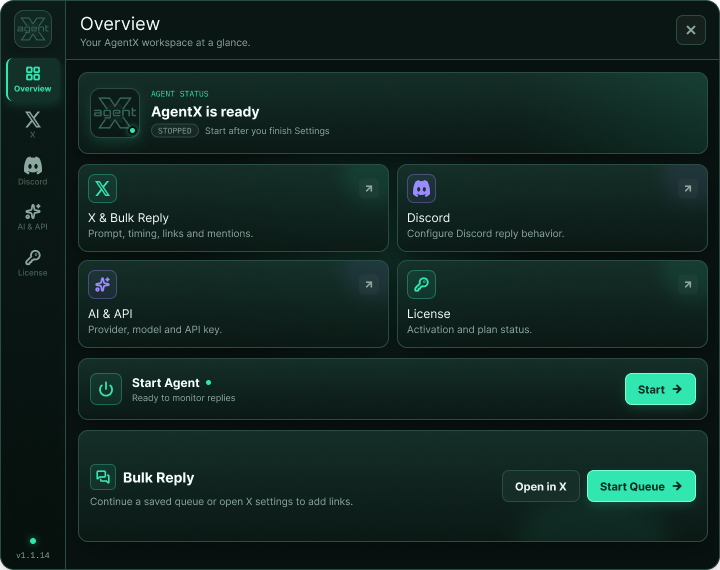
AgentX brings focused reply tools for X and Discord into one private, configurable workspace—powered by the AI provider you choose.
AgentX keeps the interface compact while giving every workflow its own focused settings.
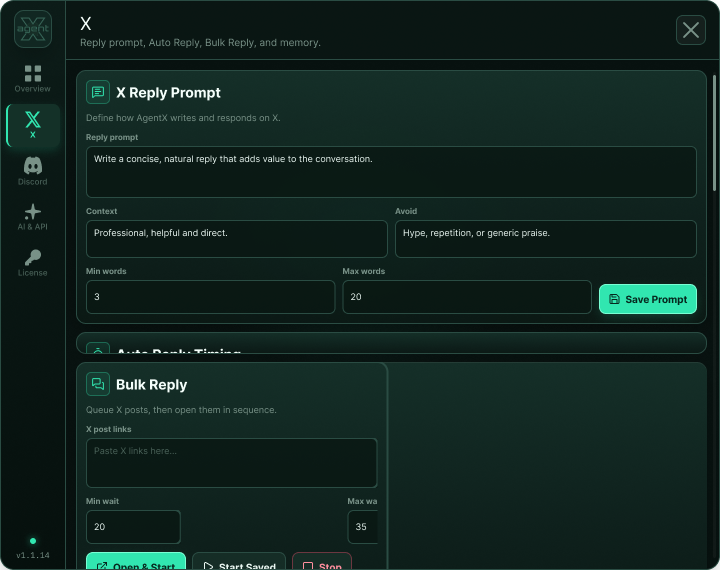
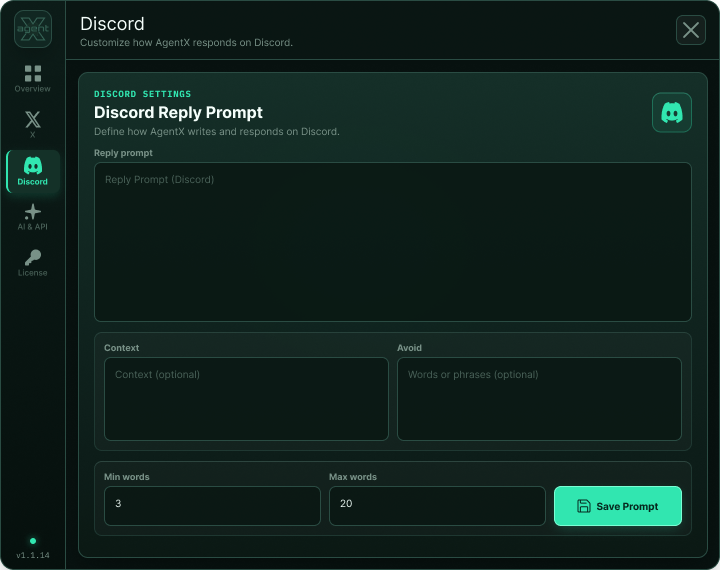
Set a reusable prompt, context, phrases to avoid, and reply length—then draft beside the post.
Paste a list of X links and move through the queue with timing controls, likes, shuffle, and a reliable stop action.
Create relevant replies for individual messages or process the visible messages in a selected channel.
Bring your own API key, choose a compatible provider, and select the model that fits your workflow.
Keep completed links on-device to prevent accidental duplicate replies across repeat sessions.
Switch between Compact Utility, Polished Glass, Tactical Signal Console, and Heritage Emerald.
AgentX doesn't choose your model or writing style for you. Connect your provider, shape the prompt, and keep control of every action.
Add the official extension from the Chrome Web Store.
Enter your own API key and choose a compatible AI model.
Save the prompt, context, exclusions, and length that make replies feel natural.
Draft one reply or process a queue with clear timing and stop controls.
Prompts, preferences, and provider settings are stored locally in the extension. Content is sent only when needed to the AI provider you configure. License activation uses AgentX's validation service.
New users can process up to 10 Bulk Replies before Premium activation is required. Your selected AI provider may still require a valid API key.